Active Directory tiering: Tier 0 in practice
How to split an environment into tiers, what really belongs to Tier 0, how to enforce the split technically and how to migrate without downtime.
- AUTHOR
- Karol Rapacz / CEO of Breachroad · OSCP · PNPT
- PUBLISHED
- 25 July 2026
- READING TIME
- 17 min read
- TOPIC
- Identity and Access
Most domain compromises I have seen do not start with an exploit against a domain controller. They start with a workstation where somebody once signed in with a highly privileged account, or with an application server running a service under an account that belongs to the domain admins group. The rest is simply walking a path the organisation built for itself.
The tier model answers that problem. It is not about “protecting domain controllers harder”; it is about making sure privileged credentials never appear in places that cannot be defended. That is an organisational change supported by configuration, not a product you can buy.
The clean source principle
The starting point is one sentence: an object is only as secure as the weakest subject that controls it. If a domain controller is managed by a software distribution system, then the controller’s security equals that system’s security. If controller backups land on a server ten people can reach, then domain security equals that server’s security, because the identity database can be restored from the backup.
That reasoning leads to a conclusion many teams find surprising: the Tier 0 boundary does not run where the domain controllers stand, but where the ability to execute code or change configuration on them ends.
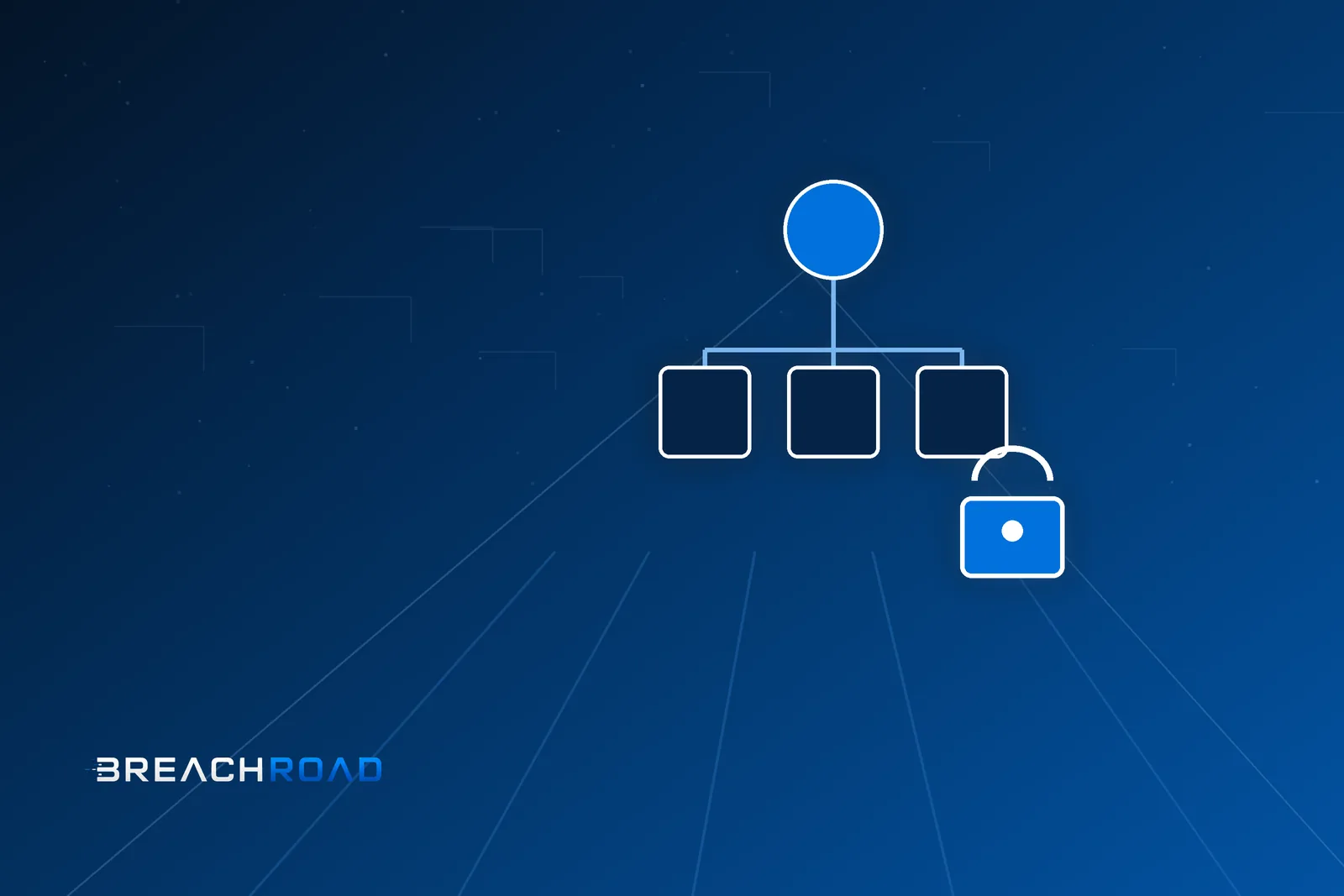
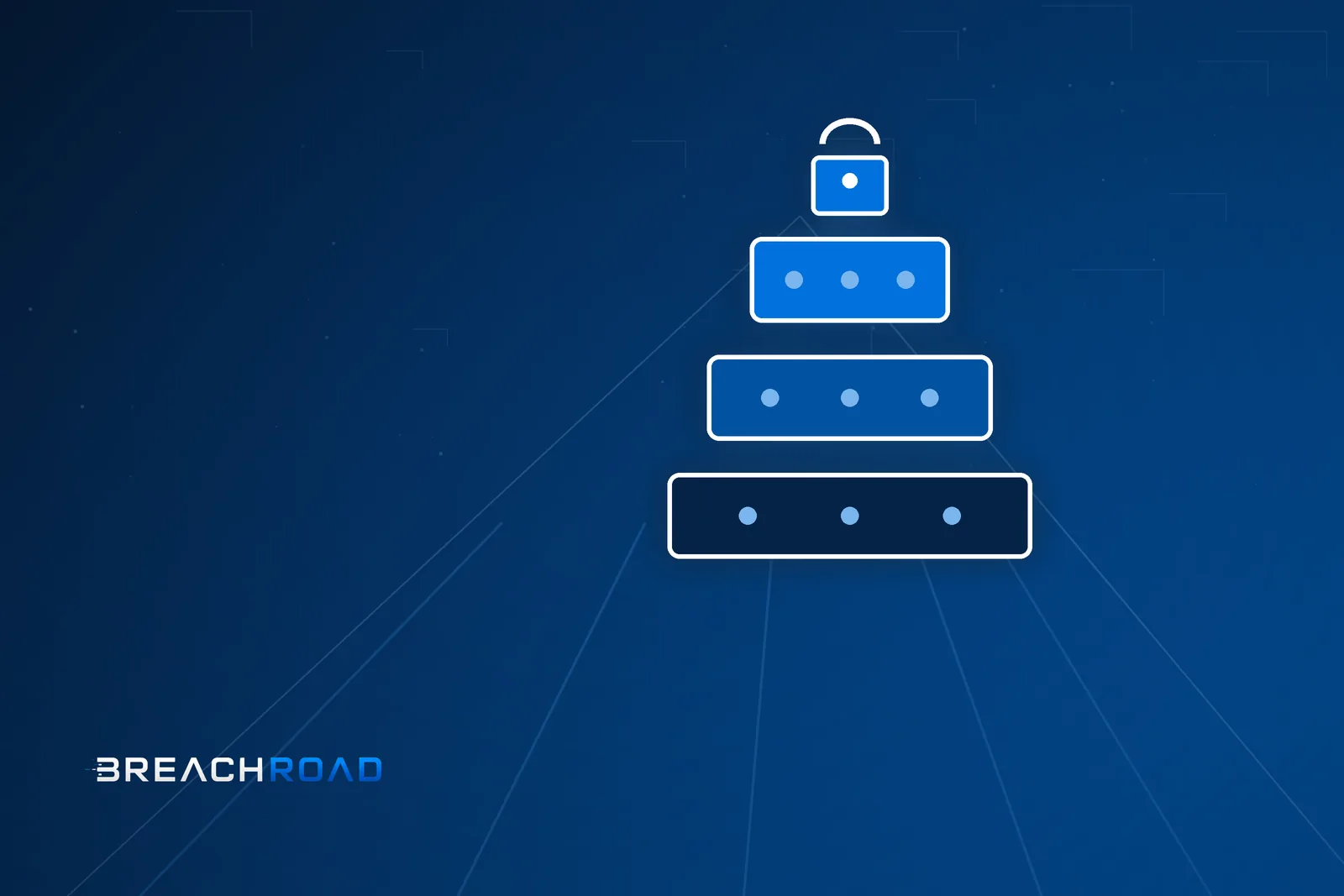
Three tiers
The classic split looks like this.
Tier 0 covers identity and control over it: domain controllers, accounts and groups with domain- or forest-level rights, certificate infrastructure, federation and cloud synchronisation systems, and anything that can indirectly take those systems over.
Tier 1 is servers, applications and business data. An administrator of this tier manages application servers and databases but has no path to taking over identity.
Tier 2 is workstations and user accounts, together with the support team that handles them.
The directional rule reads: an account from a higher tier never signs in interactively to a system in a lower tier, and a system in a lower tier never controls a system in a higher tier. Administration flows top-down, but without leaving credentials behind in the lower tier — this distinction is the crux, because remotely signing in to a user workstation with a domain admin account breaks the model even when “it is just for a moment, to help out”.
Microsoft’s newer framing, described as the enterprise access model, divides the world into a control plane, a management plane and a data plane, and explicitly includes cloud identity. That is an important update, because in a hybrid environment privileged roles in the cloud directory are part of Tier 0, regardless of where the servers sit.
What really belongs to Tier 0
The list is longer than most organisations assume. Beyond domain controllers and accounts with domain rights, it includes:
The certificate authority and certificate templates, because the ability to issue an authentication certificate for any subject is equivalent to holding that subject’s password.
Configuration management and software distribution systems, if their scope includes domain controllers — they run code as the local system on every managed host.
Backup systems covering the controllers, because a copy of the directory database is a copy of every secret.
The virtualisation layer that hosts the controllers, along with its management console — a hypervisor administrator has access to machine memory.
Agents running on controllers: monitoring, EDR, inventory, task schedulers. Any agent capable of remote command execution is a path to code execution on a controller, and its management server belongs to Tier 0.
Group policies linked to Tier 0 organisational units and the accounts entitled to edit them.
Privileged access management systems and password vaults, if they store Tier 0 credentials.
Accounts and groups with write rights on objects of the systems above — the most commonly missed category, because a permission delegated years ago is not visible in group membership, only in access control lists.
A helpful test is simple: if compromising a given system allows you to execute code on a domain controller, restore its data or issue credentials in its name, that system is Tier 0. It does not matter that the asset register calls it “an IT tool”.
Common mistakes that void the whole model
A service account with domain rights. A service running on dozens of servers under an account in the domain admins group means that compromising any one of them ends the story.
One administrative account for everything. An administrator uses the same account to sign in to their workstation, to application servers and to controllers. The tier model requires separate accounts per tier, with no exceptions for convenience.
A shared local administrator password. An identical password across all workstations turns one compromise into lateral access to the whole fleet. The answer is a mechanism that randomises and rotates local passwords.
Support with rights over privileged accounts. A user support team that can reset an administrative account’s password effectively belongs to Tier 0, even though the org chart places it in Tier 2.
Unreviewed Active Directory delegations. Permissions granted on individual objects accumulate for years and nobody revokes them. This is the most common source of escalation paths invisible in group membership.
“Just for a moment” sign-ins. Remote assistance delivered with a privileged account on a user workstation leaves authentication material in the memory of a system the attacker already controls.
Technical enforcement
A split on paper does not work; you need mechanisms that make breaking the model impossible rather than merely forbidden.
Cross-tier logon denial implemented through user rights assignment in group policy: Tier 0 accounts are explicitly denied local, network and remote desktop logon on Tier 1 and Tier 2 systems. This is the foundation every rollout starts from.
Authentication policies and silos bind an account to a specific set of systems: a ticket for a Tier 0 account is issued only when the request comes from a host in the silo. That is a far stronger control than group policy alone, because it operates at the authentication protocol level.
The protected users group disables weaker authentication mechanisms for its members and shortens ticket lifetimes, reducing the value of stolen material.
A dedicated organisational unit structure for Tier 0 with cleaned delegations and inheritance disabled, so that lower-tier accounts hold no write rights over top-tier objects.
Network restrictions on controllers: management only from dedicated administrative workstations, not from the entire office network.
Privileged workstations as a mandatory starting point for Tier 0 administration: separate hardware or a separate machine, no email, no web browsing, with a restricted list of allowed software. It is inconvenient, and that is the price of removing the most common attack path — phishing an administrator’s workstation.
Group-managed service accounts instead of service accounts with a human-known password, plus rotation of local account passwords.
Migrating without downtime
Rolling out tiering in a live organisation is a project, not a configuration change. Order matters, because enabling blocks too early ends in an outage and the whole initiative being rolled back.
Stage one: visibility. Establish who signs in to domain controllers and other Tier 0 systems, which service accounts run there, which management systems have agents on them and what permissions have been delegated on objects. The output is a list of actual control paths, usually longer than expected.
Stage two: accounts. Create separate administrative accounts for each tier and move daily work onto them. Nothing is blocked yet at this stage — you let teams get used to working with the right accounts.
Stage three: services. Replace service accounts holding domain rights with least-privilege or managed accounts. This is the most laborious stage and the most common source of delay, because it requires cooperation from application owners.
Stage four: administrative workstations. Introduce dedicated devices for Tier 0 and move controller administration onto them.
Stage five: enforcement. Only now enable cross-tier logon denial, first in observation mode, then in enforcing mode, tier by tier.
Stage six: cleanup. Revoke unnecessary delegations, remove temporary accounts, reduce privileged group membership to near zero at rest, and introduce time-bound elevation.
Every stage should have a defined exit criterion and a rollback plan. Break-glass accounts, stored under physical protection and monitored, are a hard requirement — tiering without an emergency account is a ready-made scenario for locking yourself out of your own domain.
Verification and detection
Tiering is verified two ways. The first is path analysis — mapping permission relationships in the directory and checking whether any route exists from a lower tier to a higher one. Such analysis finds what the org chart hides: delegations, write rights, nested groups and permissions on certificate templates.
The second is a team exercise in which the offensive side starts from the position of an average workstation and sees how far it gets, while the defensive side checks how much of it they saw.
On the detection side, a few specific events are worth monitoring: a Tier 0 account signing in on a system outside Tier 0 — in a mature environment this should never happen; changes to privileged group membership; changes to certificate template configuration; new permission delegations on objects; unusual directory replication operations; creation of an account entitled to sign in on a controller.
The value of these rules comes from the fact that in a properly implemented tier model they produce very little noise. An event that should never occur is the best possible signal.
Tiers in a hybrid environment
If the on-premises directory synchronises with the cloud, the Tier 0 boundary extends in both directions. The synchronisation server is a Tier 0 system, because it has access to authentication material. Privileged roles in the cloud directory are the equivalent of domain groups and demand the same regime: separate accounts, time-bound access, phishing-resistant authentication and administration from a privileged workstation.
Direction of trust deserves thought too. A cloud account holding a device management role can execute code on workstations, so in practice it belongs to a higher tier than its name suggests.
Common objections and how to answer them
Tiering rollouts rarely stall on technology. They stall in conversation, so it pays to have answers ready.
“This will slow administrators down.” It will slow down operations performed with a privileged account — which is the point, because there should be few of them. Daily work happens on an ordinary account and does not change at all. The real cost is signing in to a separate workstation for identity-related tasks: a few times a week, not dozens of times a day.
“We already have multi-factor authentication, that is enough.” A second factor protects against use of a stolen password. It does not protect against hijacking an already authenticated session, nor against authentication material left in the memory of a system somebody signed in to. These are different layers of the problem, and a second factor does not replace separation.
“We bought a privileged access management product.” Good, but a password vault solves storage and accountability, not exposure. If an account checked out of the vault signs in to a user workstation, the credential still lands in a dangerous place.
“We cannot afford separate workstations.” The starting point need not be expensive: a dedicated virtual machine with restricted network access, no email and no browser, available only to Tier 0 administrators, is a significant step up from administering from a laptop that reads email.
“We will do it during the migration.” Migrations slip for years while the list of escalation paths keeps growing. Stages one and two — visibility and account separation — depend on no migration and can start immediately.
Checklist
A written list of Tier 0 systems exists and is reviewed on every architecture change. Administrative accounts are separate per tier. Tier 0 accounts are denied logon on lower-tier systems. Tier 0 administration happens only from privileged workstations. Service accounts do not belong to domain groups. Local administrator passwords are random and rotated. Directory delegations are inventoried and reviewed. Controller backups and virtualisation are treated as Tier 0. Privileged cloud roles follow the same regime. Break-glass accounts exist with a usage procedure and monitoring. Escalation paths are analysed periodically with tooling.
Conclusion
Tiering is not a project about domain controllers. It is a project about where credentials land and who can execute code on the systems that identity depends on. Organisations that implemented it properly have one useful property: a single compromised workstation stays a local incident instead of becoming step one towards encrypting the entire environment.
The hardest part is not technical. It is an honest inventory of what actually controls the domain — because the list almost always turns out to be longer, and the top-tier boundary almost always runs through systems nobody classified that way.
Primary sources: Microsoft Learn — Enterprise access model, Microsoft Learn — Privileged access devices, Microsoft Learn — Protected Users security group.