Secure file upload: from validation to isolation
Why extension checks solve nothing: filenames, types, serving, parsers, archives and limits. A target upload pipeline and a practical testing method.
- AUTHOR
- Karol Rapacz / CEO of Breachroad · OSCP · PNPT
- PUBLISHED
- 25 July 2026
- READING TIME
- 17 min read
- TOPIC
- Penetration Testing and AppSec
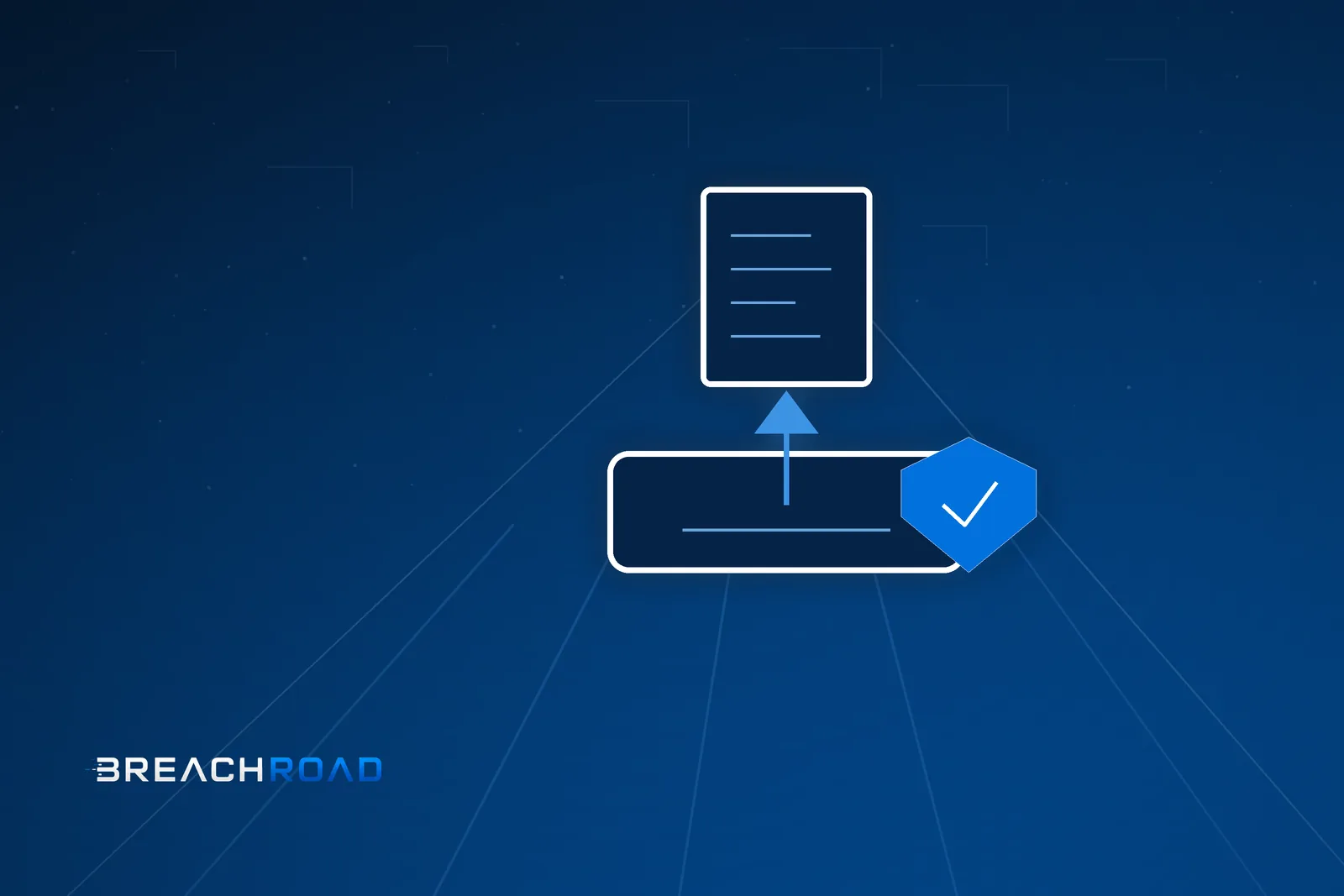
File upload is one of the few features where a user introduces content into a system that is later interpreted by other components: the web server, an imaging library, a document converter, another user’s browser, a search indexer, a preview engine. Each of those is a separate interpreter with its own bugs, so “is this really an image?” is only the first question, and not the most important one.
Secure upload is designed around three questions: where does the file land, who reads it afterwards, and how is it served. Extension validation answers none of them.
The filename is data, not an identifier
A user-supplied filename should never reach the filesystem in its original form. There are several reasons and each alone is sufficient.
The name can contain directory traversal sequences and write the file outside the target directory. It can contain path separators in an encoding the validation never anticipated, or Unicode characters normalised into a different form after the check has passed. It can be a reserved name on Windows, or start with a dot and become a server configuration file. It can carry multiple extensions and land on a server that interprets the last one it recognises rather than the last one present. It can be long enough to be truncated, so the extension disappears together with the validation.
The target pattern is short: the application generates its own name, for example a random identifier, and stores it in the database alongside the original name as an ordinary text field. The original name is used only for display and for suggesting a download name — and in both places it is encoded for its context.
File type: declaration versus fact
The content type header in a request is a client declaration, so it is not proof. Neither is the extension. Checking the file signature is better but still insufficient, because files valid in more than one format at once exist — a document that is simultaneously an image and a script passes signature checks and behaves differently depending on who opens it.
The practical approach has two layers. First, an allowlist of types derived from the business function, not a blocklist. Second, normalisation by re-encoding: an image is decoded and written out again in a controlled format, a document is converted, and the resulting file is an artefact generated by the application rather than the file the user sent. Re-encoding strips metadata, payloads appended past the end of the structure and most multi-format constructs.
If the feature requires keeping the original — as document workflows often do — store the original in private storage and show users the normalised version.
Serving: this is where stored XSS comes from
The most common serious consequence of a bad upload is not code execution on the server; it is that the file is served from the same origin as the application. Then an HTML document or a vector image uploaded as an avatar becomes a script running in other users’ session context.
The rules that close this are simple. Serve user files from a separate domain — not merely a separate path — so that session cookies and application local storage are out of reach. Set the header that prevents content type sniffing and send a type from your allowlist rather than a guessed one. For anything that does not need to render in a browser, set a content disposition that forces a download. Either convert vector graphics to raster, or serve them only as downloads, or sanitise them of active elements with a dedicated tool. Disable code execution in the storage directory at the server level and, where possible, do not keep files inside a web-served directory at all.
Authorization on the download path
A file is a resource just like a database record and follows the same object-level authorization rules. A very common mistake is protecting the data layer while leaving the file layer open: the document sits at a predictable address, or behind a signed URL with too long a lifetime and too broad a scope.
The safe variant is downloading through an application controller that checks object permissions and only then streams the content — or a short-lived signed URL generated after a permission check, valid for minutes and scoped to a single object.
Processing: parsers are the biggest risk
Once the file is stored, the part that is easy to forget begins, because it happens in the background. Thumbnails, previews, format conversion, text extraction for search, metadata reading, antivirus scanning — every one of those runs a parser usually written in a memory-unsafe language over user-controlled data.
Imaging libraries, document converters and image processing tools have a long vulnerability history, and some support internal mechanisms for fetching external resources, which turns file processing into a network request from your server. XML-based formats — vector graphics and office documents — add the entire external entity problem family on top.
The architectural conclusion: treat processing user files as running foreign code. A separate process or container, without credentials in environment variables, without access to the cloud metadata service, with outbound traffic blocked, with a read-only filesystem outside the working directory, and with time and memory limits. Under that isolation, even successful exploitation of a parser bug leaves the attacker in a process holding nothing valuable and unable to send anything out.
Archives and decompression
Archives deserve their own paragraph, because they combine two problems. The first is paths inside the archive: an entry containing traversal sequences or a symbolic link can write outside the target directory during extraction. The second is the compression ratio: tens of kilobytes can expand into gigabytes and exhaust disk and memory.
Safe extraction means rejecting entries with absolute or parent paths, ignoring links, limiting entry count, limiting decompressed size, limiting archive nesting depth, and extracting into a temporary directory before moving files into place.
Limits and denial of service
Limits are part of security. Four are needed: maximum request size, maximum single file size, maximum file count per request, and an upload rate limit per account and per address. Format-specific limits come on top — above all maximum image dimensions, because a file of a few hundred kilobytes can declare a resolution requiring many gigabytes of memory to decode.
Set a processing timeout as well, and queue expensive operations instead of running them inside the request cycle.
Antivirus scanning
Scanning makes sense when files are later downloaded by people and opened on workstations — there it is a layer reducing risk on the recipient’s side. It makes no sense as protection for the application itself, because it does not catch files tailored to a specific parser or multi-format constructs.
If scanning is deployed, it should run at the quarantine stage, before the file becomes available to other users, and it should not block the response to the uploading user.
The target pipeline
Putting it together, a mature upload looks like this.
The file first lands in quarantine — private storage outside the web-served directory, non-executable and not publicly readable. The application generates its own identifier and stores metadata in the database, including the original name as a text field.
Then validation: size, type determined from content and matched against the allowlist, image dimensions, document page count, archive structure.
Then normalisation in an isolated process: image re-encoding, document conversion, metadata stripping, thumbnail generation. The result is an application artefact.
Then publication: the normalised file moves to target storage and the database record binds it to an owner and organisation.
Finally serving: downloads pass object-level authorization, files are delivered from a separate domain with an explicit type, sniffing disabled and forced download where applicable.
Testing methodology
Testing starts by establishing whether any path turns a user-supplied name into a name on disk. If the application generates its own names, the entire filename problem family disappears and you can move on.
The second step is checking type verification: whether the request declaration influences the decision, whether a file with mismatched content is rejected, and whether server-side re-encoding happens. The simplest test is comparing the resulting file with the uploaded one — if they are byte-identical, there is no normalisation.
The third step covers serving: which domain files come from, which headers accompany them, what happens when they are opened directly in a browser, and whether vector graphics are treated differently from raster.
The fourth step is authorization: whether a file belonging to another account is reachable given its address, how long signed URLs live and whether they cover a single object.
The fifth step is robustness: behaviour with a file declaring enormous dimensions, a nested archive, a document with an external reference, and a burst of uploads just under the size limit.
The sixth step, often skipped, is the lifecycle: whether temporary files are removed, whether deleting an object in the application deletes the stored file, and whether storage backups follow the same access rules.
All attempts stay within the agreed scope and use a test account, and demonstrating behaviour is enough as evidence — there is no need to place active files in a client’s system.
Detection
Log the content-derived type alongside the declared type. A mismatch between them is a low-noise, high-value signal.
Parser exceptions in the processing pipeline mean either a corrupt file or an exploitation attempt; a series of them from one account warrants an alert.
Outbound traffic from the file processing component, in an architecture that does not expect any, is one of the best signals available.
A sudden rise in uploads, rejected files or memory consumption in the conversion process points at a denial of service attempt.
Storage layout and multi-tenancy
Object storage is the default place for files today, and it brings its own set of decisions that determine security regardless of application code.
Public access disabled at the bucket level, not only per object. A per-object setting can be overwritten by a coding mistake or a migration; a bucket-level block survives both.
Object keys are not secrets and should not be treated as such. The key structure should carry an organisation identifier and an object identifier, because that makes policy enforcement and cost attribution easier — but security must come from access control, not from the path being unguessable.
Separate prefixes for quarantine, normalised content and thumbnails allow different policies: quarantine unreadable by front-end services, thumbnails with a short cache lifetime, originals served only through an application controller.
Versioning and deletion require a deliberate decision. Versioning enabled means a “deleted” file still exists — desirable for incident recovery and undesirable when fulfilling a personal data deletion request. Lifecycle rules should reflect your retention policy, not the provider’s defaults.
Component credentials must be separated: the upload service needs write access to quarantine, the processing service needs read from quarantine and write to target storage, the serving service needs read only. A single account with full bucket access turns any application bug into access to every file of every customer.
Checklist
Filenames are generated by the application. Type is determined from content and matched against an allowlist. Images are re-encoded and documents converted. Files are served from a separate domain with an explicit type and sniffing disabled. Vector graphics are never served as active content. Downloads pass object-level authorization. Signed URLs are short-lived and narrow. Processing runs in isolation, without secrets and without network access. Archives have entry, decompressed size and nesting limits. Size, count, rate and image dimension limits are enforced. The storage directory does not execute code. Deleting an object deletes the file.
Conclusion
File upload is the feature where the most system layers meet at once: the name reaches the filesystem, the content reaches a parser, the result reaches another user’s browser, and the metadata reaches a search index. That is why its security is not a single control but a pipeline: quarantine, validation, normalisation, publication, controlled serving.
If I had to name the two decisions with the best value-to-effort ratio, they would be re-encoding content instead of accepting the user’s file, and serving files from a separate domain. The first removes most payloads; the second ensures that even a successful payload has no access to sessions.
Primary sources: OWASP — File Upload Cheat Sheet, CWE-434: Unrestricted Upload of File with Dangerous Type, CWE-22: Path Traversal.